Chatbot
You write to her as a person.
In the chat, you enter the request naturally: check the queries, prepare an answer, extract data or suggest the next step. The AI works in the background and returns the finished design.
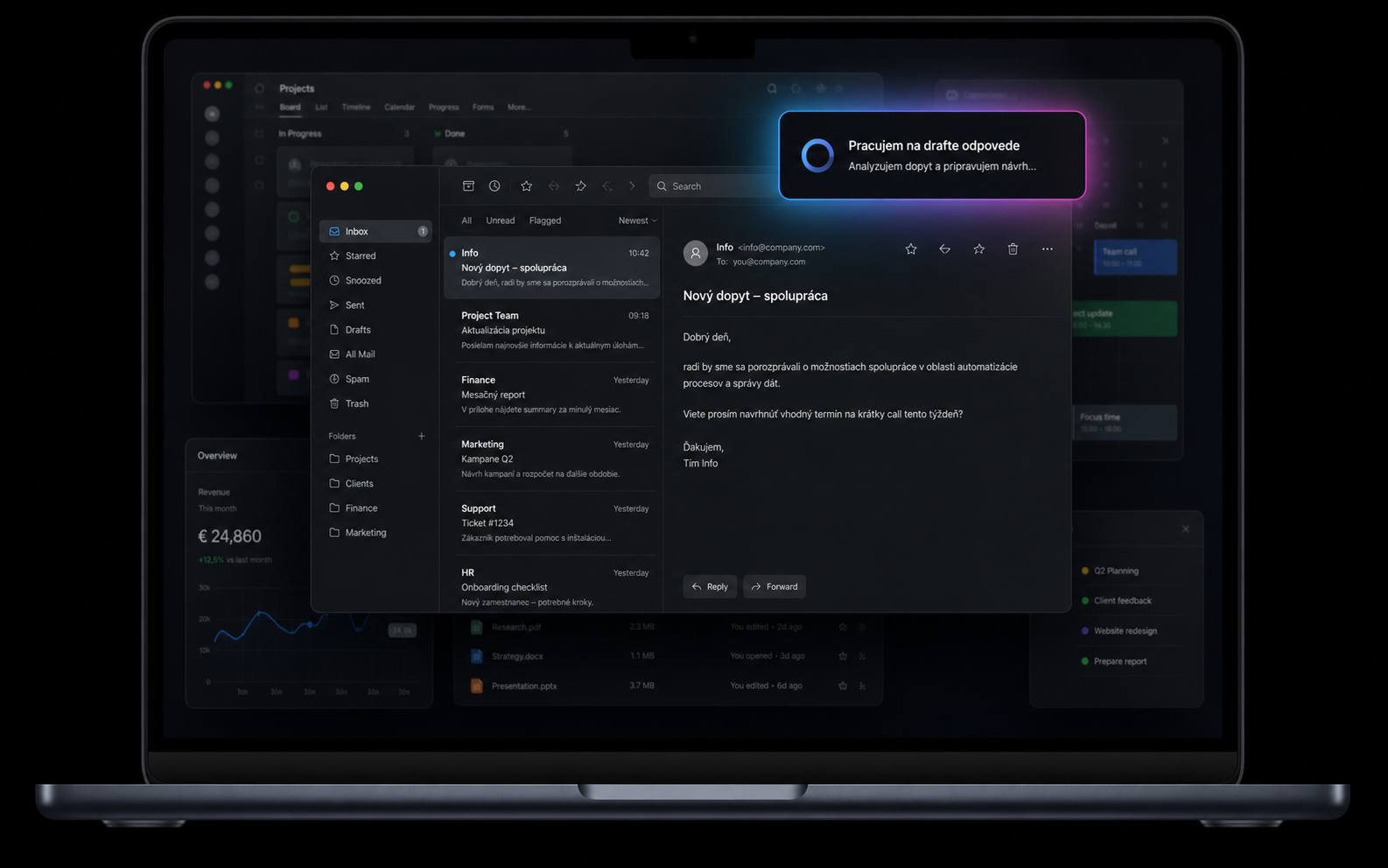
We will build you an AI assistant that will take over a repetitive part of the working day: it reads documents, uses your tools, prepares outputs and will only respond when a human decision is needed.
AI prepares the schedule, checks priorities, shifts orders, creates a report and completes the CRM. People can focus on what is of real value: decisions, relationships, and work that they enjoy.
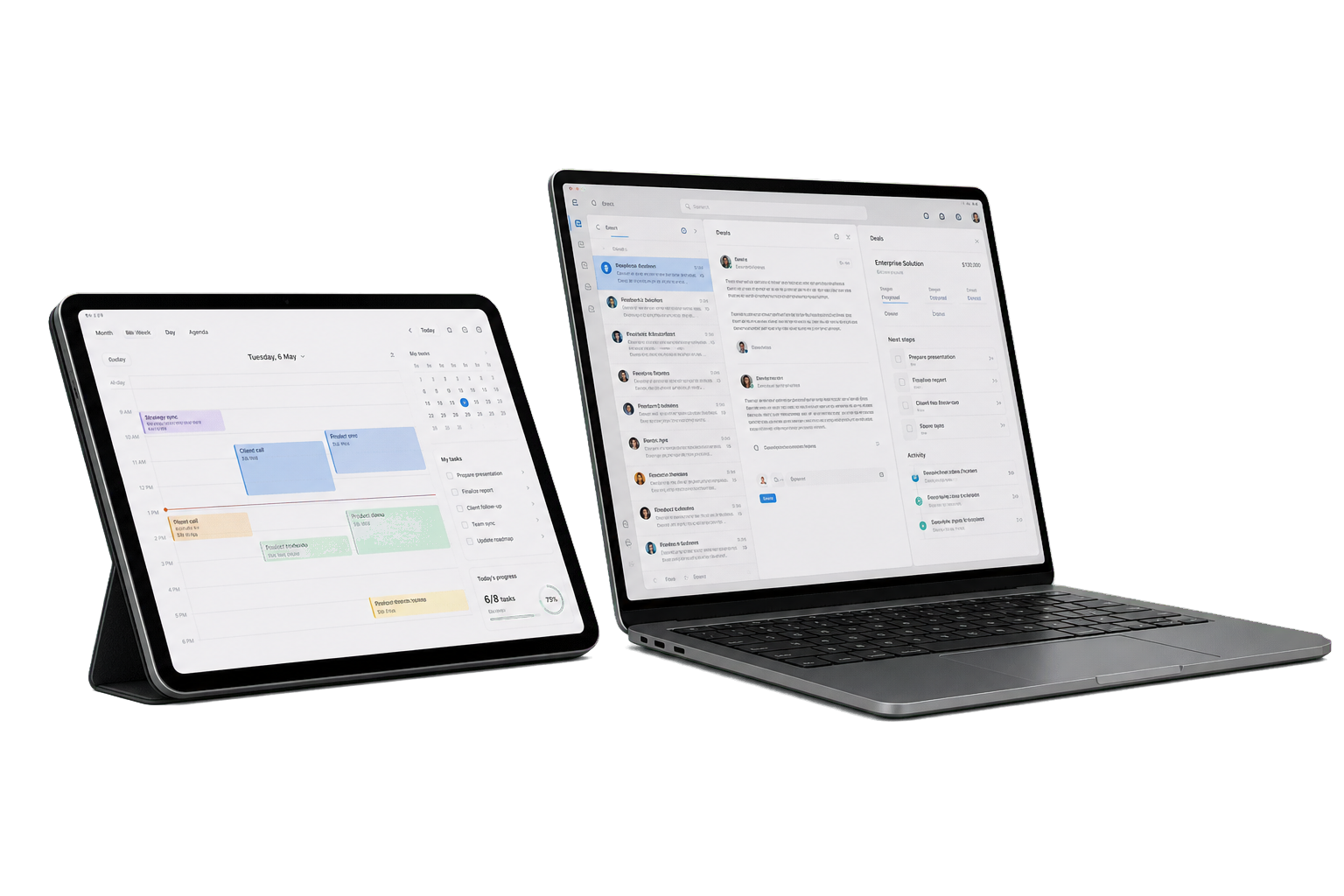
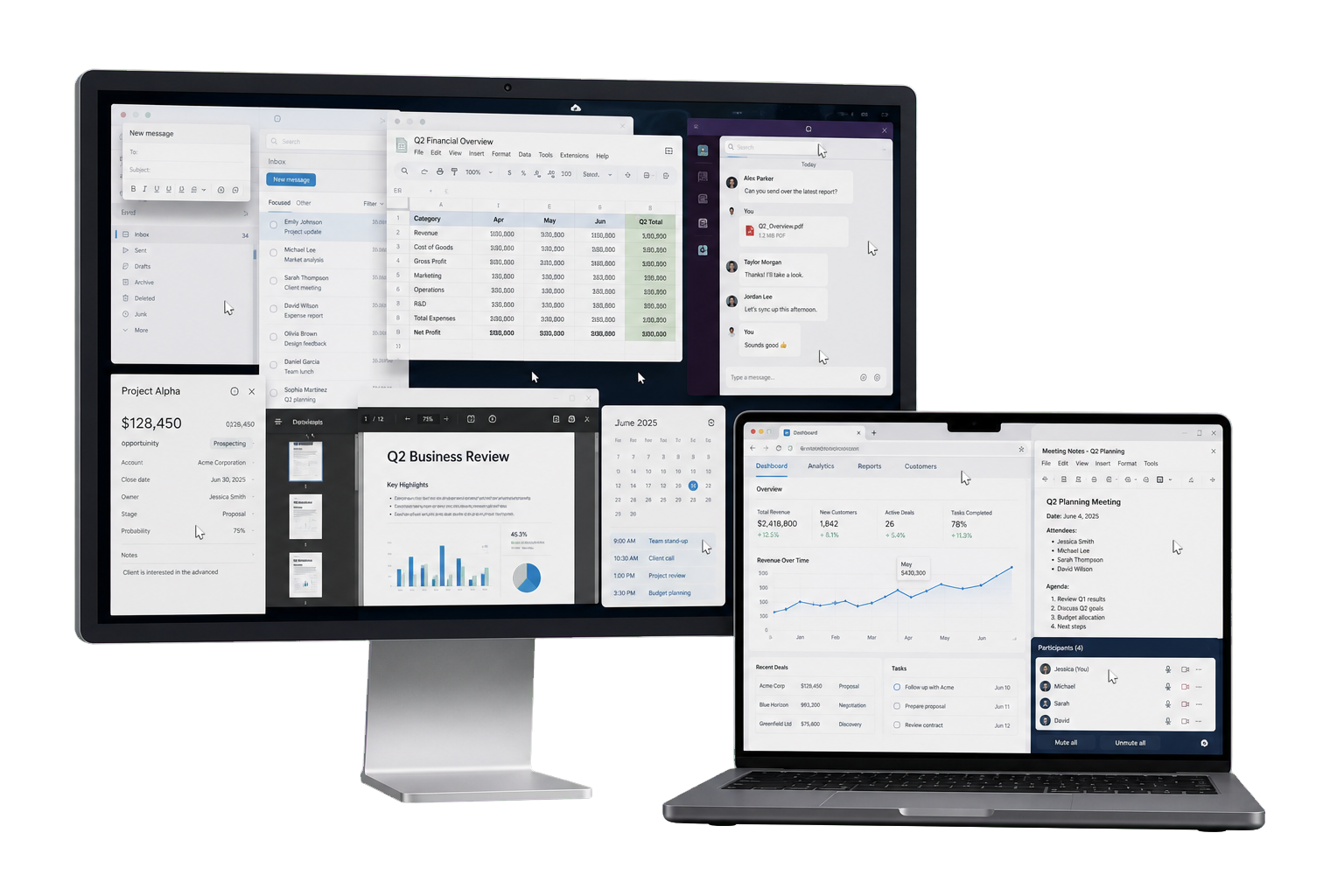
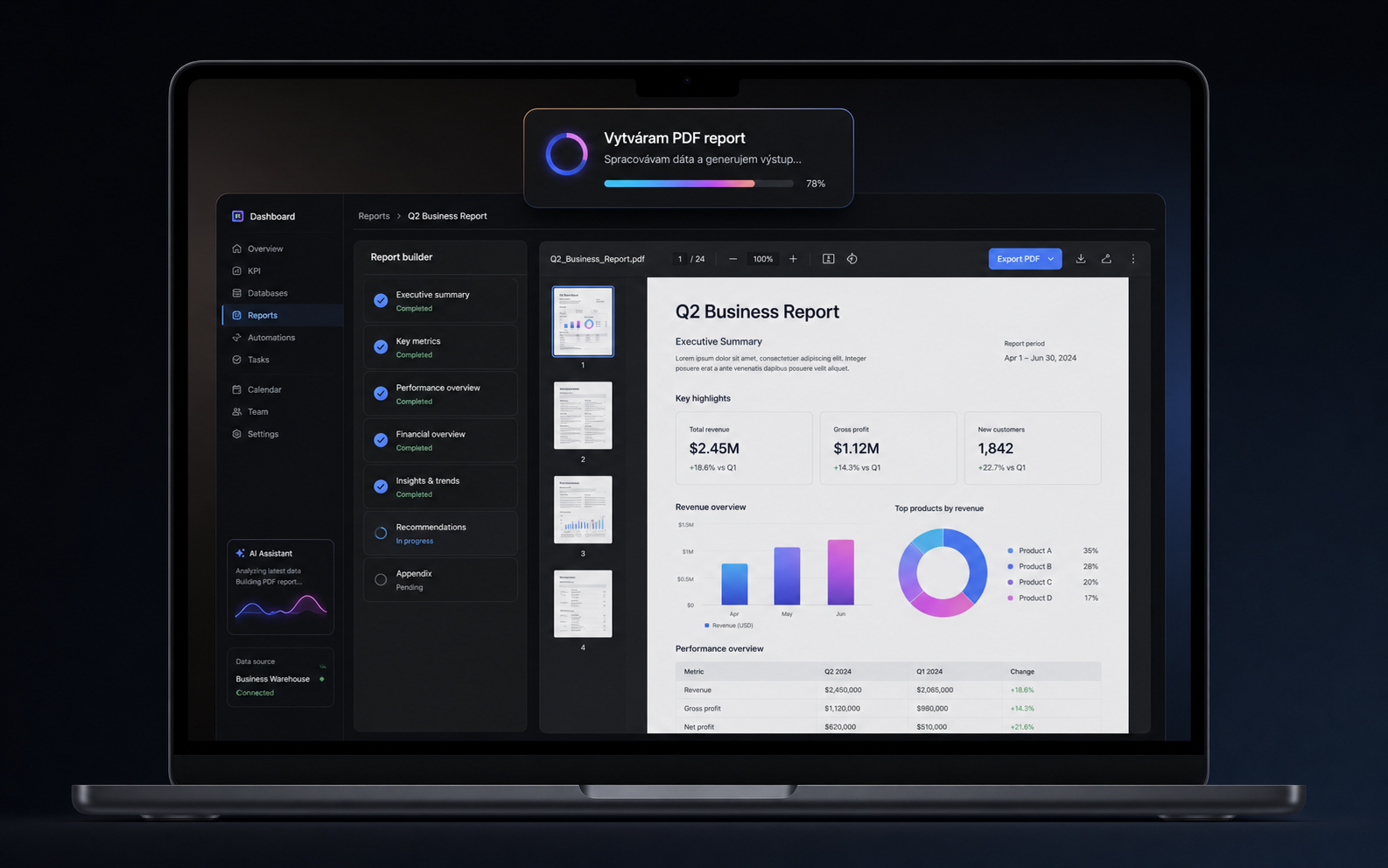
In one process, it opens an email, reads an attachment, fills in a spreadsheet, updates CRM, prepares a PDF, and sends a draft reply. Each step is controllable and adjustable according to your rules.
AI does not have to change the entire company at once. It connects to existing applications, processes and data to work in an environment familiar to the team.
 Gmail
Gmail Outlook
 Excel
Excel Word
Word PowerPoint
 Teams
Teams WhatsApp
 Google DriveGmailOutlookExcelWordPowerPointTeamsWhatsAppGoogle Drive
 Calendar
 Sheets
 Google Docs
 Slides
 Slack
Slack OneDrive
 SharePoint
 Odoo
Odoo PDF
PDF Notion
 HubSpot
 Salesforce
 Make
Make Zapier
 OpenAICalendarSheetsGoogle DocsSlidesSlackOneDriveSharePointOdooPDFNotionHubSpotSalesforceMakeZapierOpenAI
It does not always have to be a new system. AI can work as a chatbot, a message in WhatsApp or Teams, a regular schedule, or an automatic response to an event in the company.
In the chat, you enter the request naturally: check the queries, prepare an answer, extract data or suggest the next step. The AI works in the background and returns the finished design.
You don't need to open a new tool. AI can be instructed through a common communication platform and then do the work in a CRM, email, spreadsheet or internal system.
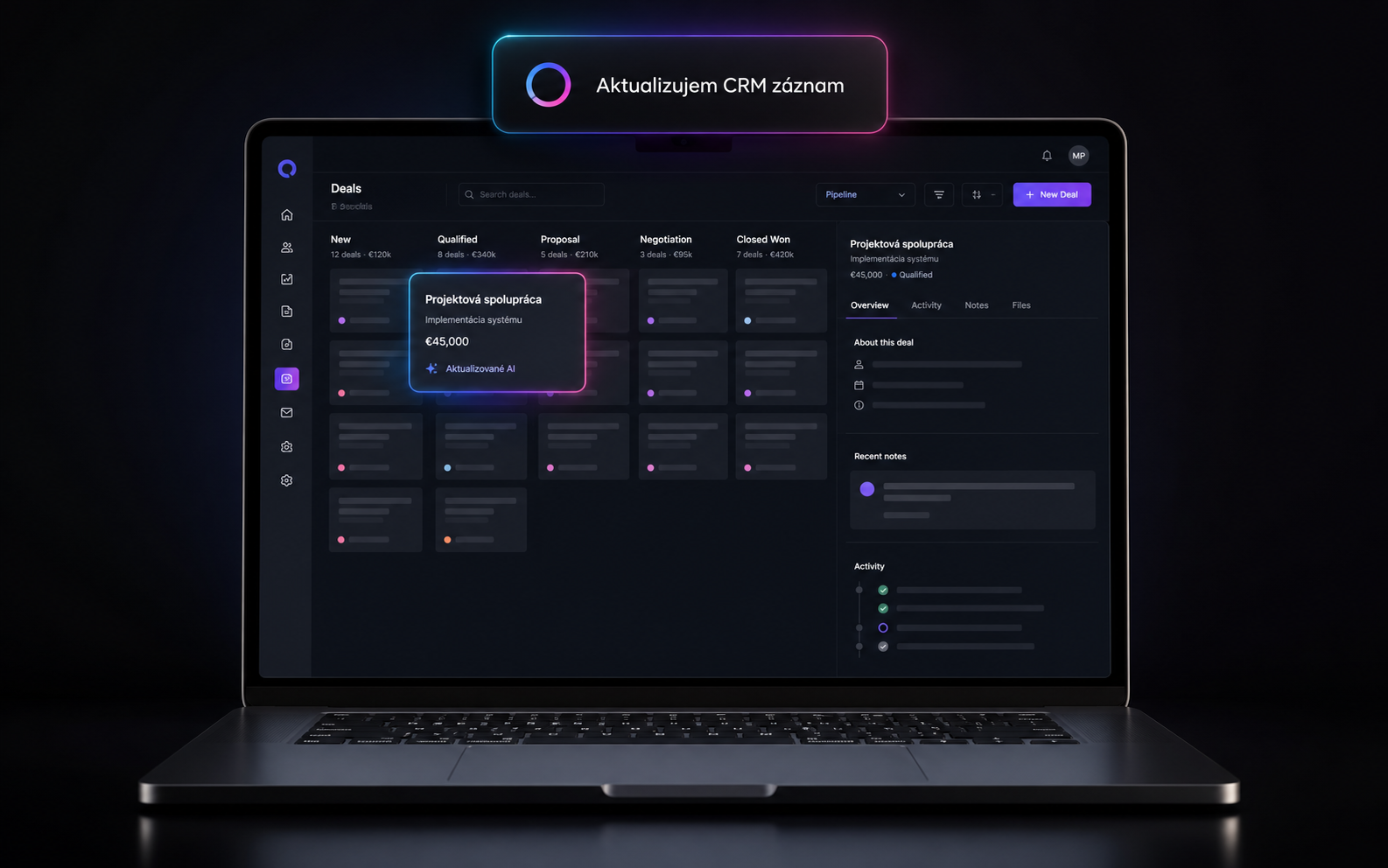
Every morning, every Friday or every month he prepares a report, checks open tasks, completes tables and sends a summary to the team.
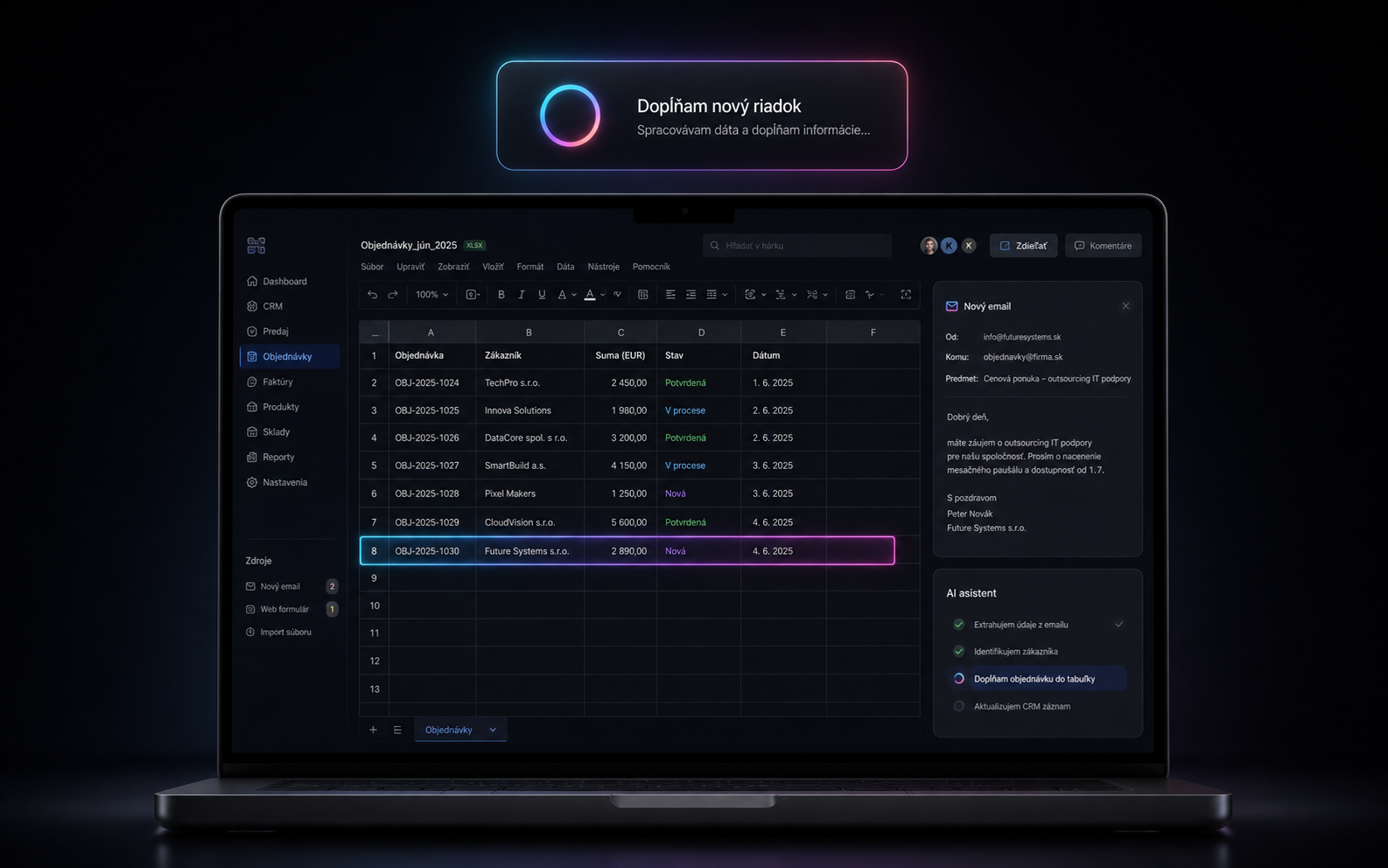
A new e-mail, a new row in a table, a change in the status of an order or a received attachment will automatically trigger a specific procedure.
In a short meeting, we will go over your specific process, select the first use and propose a solution that makes sense to implement first.